Recommended interactive classroom
ClassIn
Best for full English lessons with live video, an interactive whiteboard, rewards, files, quizzes, homework and lesson recordings.
Windows · Mac · iPhone · iPad · Android
Download ClassIn Official classroom apps for every student
Choose the platform confirmed by Teacher Roses, install it before your lesson and use your private class invitation to join on time.
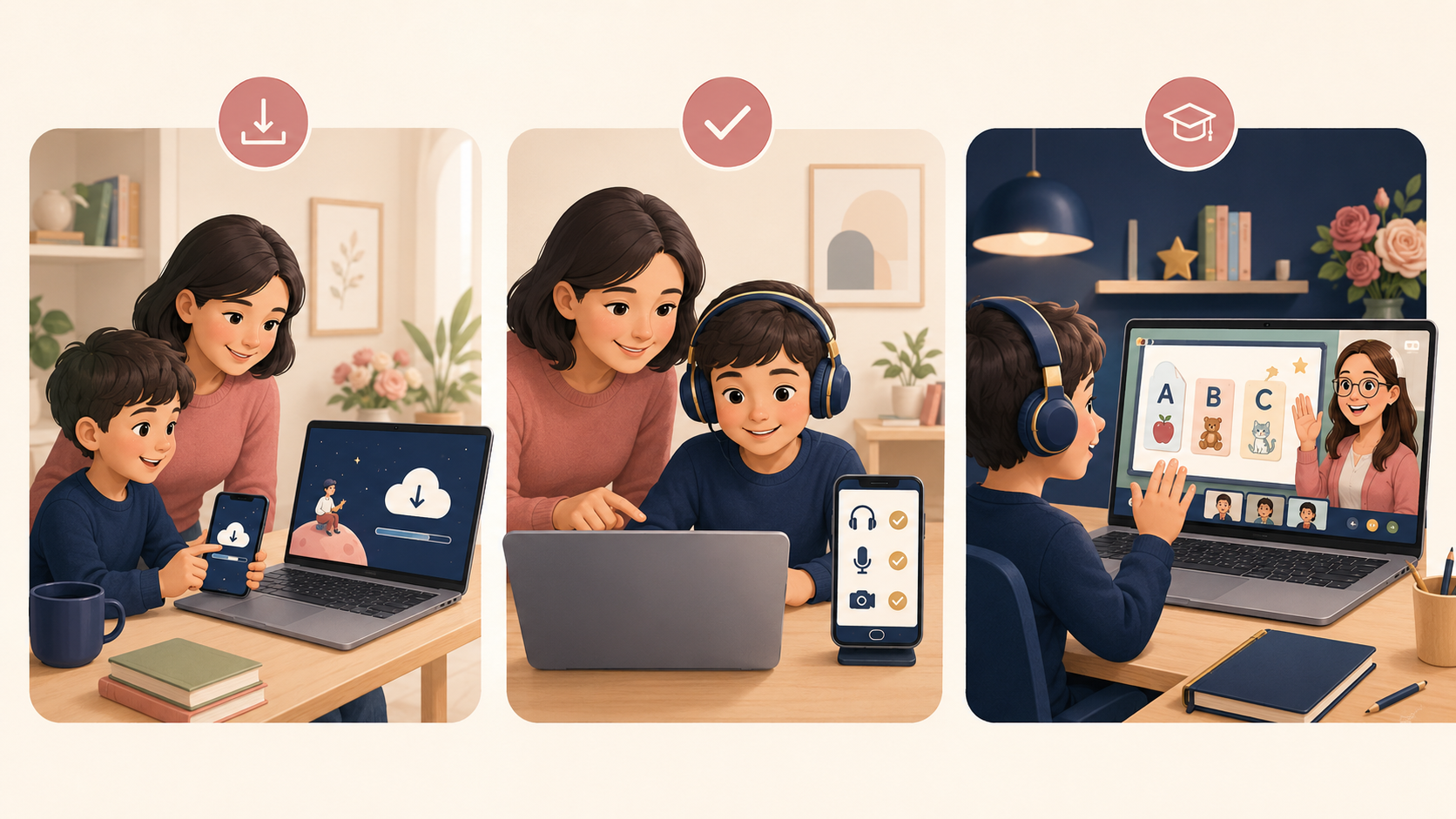
Student platform downloads
Teacher Roses will confirm which platform to use and send the class link, code or invitation before the lesson. Please install the app early and test your camera, microphone and headphones.
Roses Academy is being prepared as our all-in-one systemBest for full English lessons with live video, an interactive whiteboard, rewards, files, quizzes, homework and lesson recordings.
Use the class stream to receive announcements, learning materials, homework and feedback. Your live-meeting link will be shared by Teacher Roses.
Join a face-to-face lesson with audio, video, screen sharing, chat and annotation. Use the meeting link and passcode sent by Teacher Roses.
A reliable option for students in China and international learners using VooV Meeting, with HD video, screen sharing and meeting chat.
ClassIn is available for Windows, macOS, iPhone, iPad and Android. Select the correct installer on the official download page.
Open ClassIn, sign up or sign in with the learner’s details, and complete the basic profile before the first lesson.
Allow camera and microphone access. Use headphones where possible and check the internet connection in a quiet learning space.
Use the private class invitation from Teacher Roses, open the class group and enter up to 10 minutes before the scheduled start.
Choose the app confirmed by Teacher Roses and install the correct version for your device.
Allow camera and microphone access, use headphones if possible and test your internet connection.
Open the link, meeting ID, class code or invitation sent directly by Teacher Roses.
Class links, meeting IDs, passcodes and classroom codes are shared privately by Teacher Roses. Students should not post them publicly.